

For 10 years I was running pfSense on a PC I built in 2012 as my gateway device for all LAN network traffic to the Internet. It served me well—3 GHz CPU, 16 GB RAM. But it wasn't really optimized for network traffic. Also, it's bulky and the power supply was questionable (starting to make intermittent noise, but not bad for 14 years!)
Those things, and other indicators, led me to decide that it was time to replace it.
Over the years I would always turn off the PC to save on energy costs. While a good practice, it's time consuming. In this respect, I prefer to have an appliance that I can simply leave on all the time. So, instead of running pfSense on my own system, I decided on the Netgate 4200 appliance and purchased it directly from the Netgate website. Buying a Netgate means finally treating my network like an infrastructure, instead of a science project! It uses 1/10th of the energy the PC was. Watch for deals, coupons, etc. I was able to get 15% off the list price for this device.
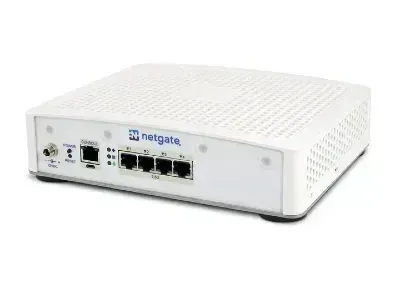
My Take
After two weeks I like it very much. Packet drop is virtually nil, which is an improvement from the PC I was using (which wasn't bad to begin with). Streaming services (for recording locally and for viewing streams) work more efficiently now. It consistently runs at about 53 to 55 degrees Celsius. This is with adequate air flow and a slotted shelf. Connectivity is great. I could have gone with the cheaper two-port model but I wanted the ability to connect additional LANs in the future.
pfSense
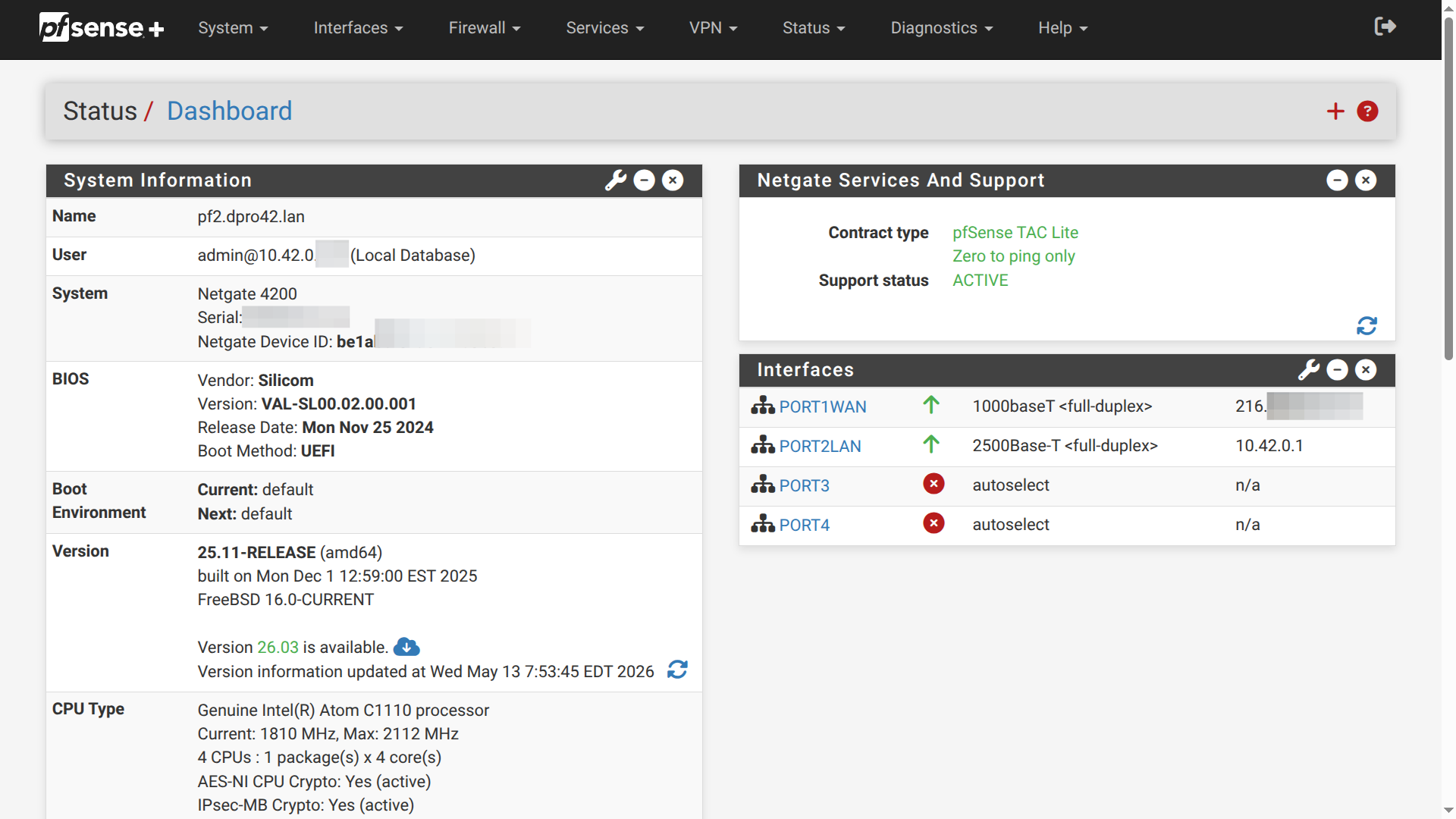
Netgate devices run pfSense which is their gateway software—it runs as modified FreeBSD. I like this software a lot–you can download it for free, and run it on a PC, Raspberry PI, or other device of your choice, which I had been doing on the PC for a decade. Main configuration access is done via the browser. Example:
For fully open source gateway software, check out OPNsense.
It runs great on mini-PCs or older full-size PCs.
Ports
Here is the device and the current connections:
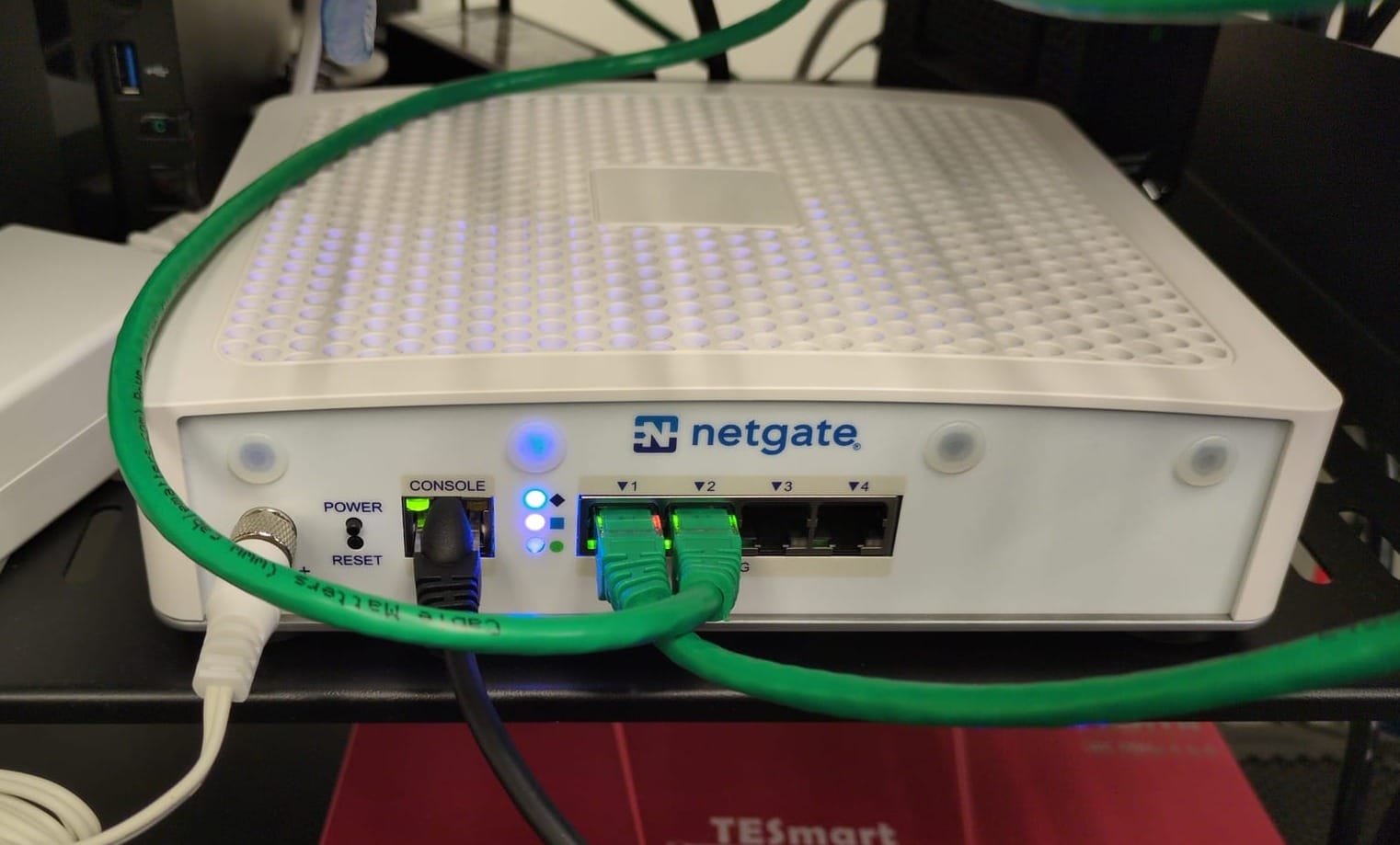
Port 1 (green cable) is connecting out to the Internet (WAN). Port 2 is connecting to a 2.5 Gbps switch (LAN). The console port (black cable) connects to my out-of-band Linux monitoring system via an RJ45-to-USB adapter cable. There is also a micro-B USB connector directly below the RJ45 port for console access (and Netgate provides a cable for this) but those are flimsy—the RJ45 connection is much more solid and stable.
Nope, I love the old days, and love "rolling my own", but the pre-built adapter cable (from CableMatters) is so much more reliable! Plus, I only have one system left with a serial port!
PuTTY Connection
From that system we can connect with PuTTY. To do so with a USB connection you need to tell PuTTY that you want to connect to the serial device with the path /dev/ttyUSB0 at a speed of 115200 bps. It helps to add your user account to the dialout group, otherwise you will need to use sudo to access the program correctly. Here's an example of the connection. It is the same that you would see if you were to install pfSense on a computer.
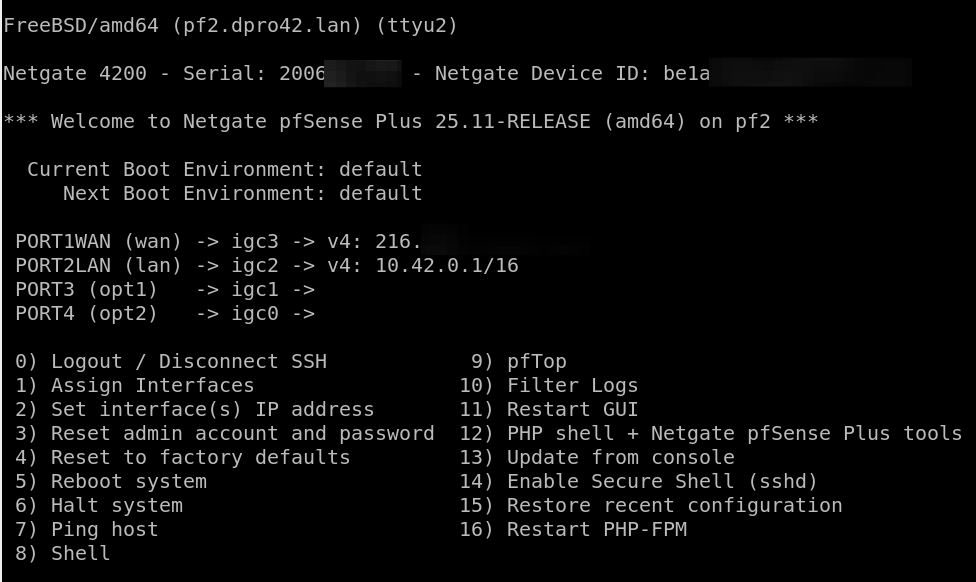
screen program. For example:sudo screen /dev/ttyUSB0 115200From here. we can do all the configurations necessary. This works great if we can't connect to the web server via our browser. And it is the standard way to do out-of-bound (OOB) configurations in the field.
Additional Configurations
I'm using this device as a DHCP server as well (Kea DHCP). But currently, not doing much more with it. We'll set up some interesting networking with PORT3 and PORT4 in the future! LANs, VLANs, routing. It will be awesome—I just don't know exactly what it is yet!
What I'm doing with the old PC...
I love refurbishing old PCs. For this one I think I will do the following:
- Change out the PSU!!! (Fourteen years on a single power supply means that PC didn't owe me money; I owed it a retirement party. Silverstone—for the win—14 years later...)
- Add a discrete video card that I have sitting around
- Add a 2.5 Gbps NIC
- Add a wireless NIC
- Install a bank of USB ports to the available 5.25" bay (including USB-C)
- Install Linux Mint (it's a great starter Linux system)
- Install NextCloud and Plex
- Donate to someone who will use it on Discord or elsewhere.
But that job is a little farther down the list. I'll document the whole thing and post my results when done!


