I decided to start logging everything I do in my lab for all you super-nerds. Here's the first installment of my Troubleshooting and Configurations. Let me know if you like it!
Debian Sid — GNOME 49 Upgrade Failure.
The Desktop broke (it happens). See the article for more:
 Dave Prowse
An iPad wouldn't charge.
A neighbor couldn't boot their iPad. Battery was completely dead. It was only a couple of years old so I doubted that the battery was bad, but I have seen iPad batteries and charging ports go bad in the past. So, I brought over my trusty DeoxIT solution and a lightning cable (and 20 watt charger). When I looked at the iPad I could swear I saw dried grape jelly stains around the area of the charging port. For real. And this isn't the first time I've found grape jelly on (or even in) a device. Anywho, I first cleaned the whole device with 50/50 mix of iso alcohol/water. Then, cleaned the charging port with the DeoxIT. waited 10 minutes. Then plugged in the charger. It showed the red battery with a single bar so it indicated to me that it was in a deep discharge state. It took 1 hour to get out of that state and then another two hours to charge the device but now it works. Verified that the person's charging cable was actually fine, and they had a 10W charger which is usually enough. So they are good to go.
I can't tell you how many times DeoxIT has made me the hero, that stuff is like liquid gold, (and almost as expensive😃).
Morale of the story: wash your hands before using the iPad!
Arch keys and repository issue
I had an issue with my Arch (Manjaro) system when attempting to update it. It was a keyring synchronization issue. If you encounter that do the following:
Run these commands in order to refresh your keys and update the keyring package specifically:
- Initialize/Populate the keyring:
sudo pacman-key --initsudo pacman-key --populate archlinux - Update the keyring package first: Sometimes you need to update the
archlinux-keyringpackage itself before the rest of the system will cooperate.sudo pacman -S archlinux-keyring - Sync and Upgrade: Now try your full system upgrade again.
sudo pacman -Syu
sudo pacman -Sy archlinux-keyring --noprepare --nodeps (Use this only as a last resort!)OpenSUSE 16 - yuck!
So, I installed OpenSUSE 16 into a VM. I hadn't read about the changes made to this new verison of OpenSUSE but quickly found that it wasn't what I expected. Here's a quick breakdown:
#1 The wicked networking manager is gone. It's all NetworkManager now. That was expected, but sad.
#2 They've moved to SELinux. Not a bad thing in of itself, but there are appear to be issues with how they have configured SELinux to work out-of-the-box with various tools, especially cockpit. I could not get cockpit (the web console) to work and I have troubleshot that many times in CentOS and Red Hat systems.
#3 And the worst one on the list—they moved away from YAST. Even though this was a tab-based menu system in the command-line, I loved it. It was a nice tool to use when working on a proper server that is command-line only. Also, it didn't give any issues with SSH connections. There is no command-line replacement. They now rely on cockpit (or myrlyn if you have a GUI). While cockpit is a powerful tool, I am not a fan of it because it is browser-based. That opens up all kinds of potential vulnerabilities—to me it is not secure enough for critical environments. In addition, see point number two. There are many issues getting cockpit to work. (I went pretty deep with this, to no avail.)
Now, you can install YAST if you really want it:
sudo zypper install yast2 yast2-network yast2-users
sudo yast2
but it may not work properly when you do. Be ready for additional troubleshooting.
SuperMicro and Fedora Updates!
My goal was to run Fedora on a server that I built in 2018. However, I first needed to update the BIOS on the SuperMicro motherboard. That was a lot of fun in itself:
 Dave Prowse
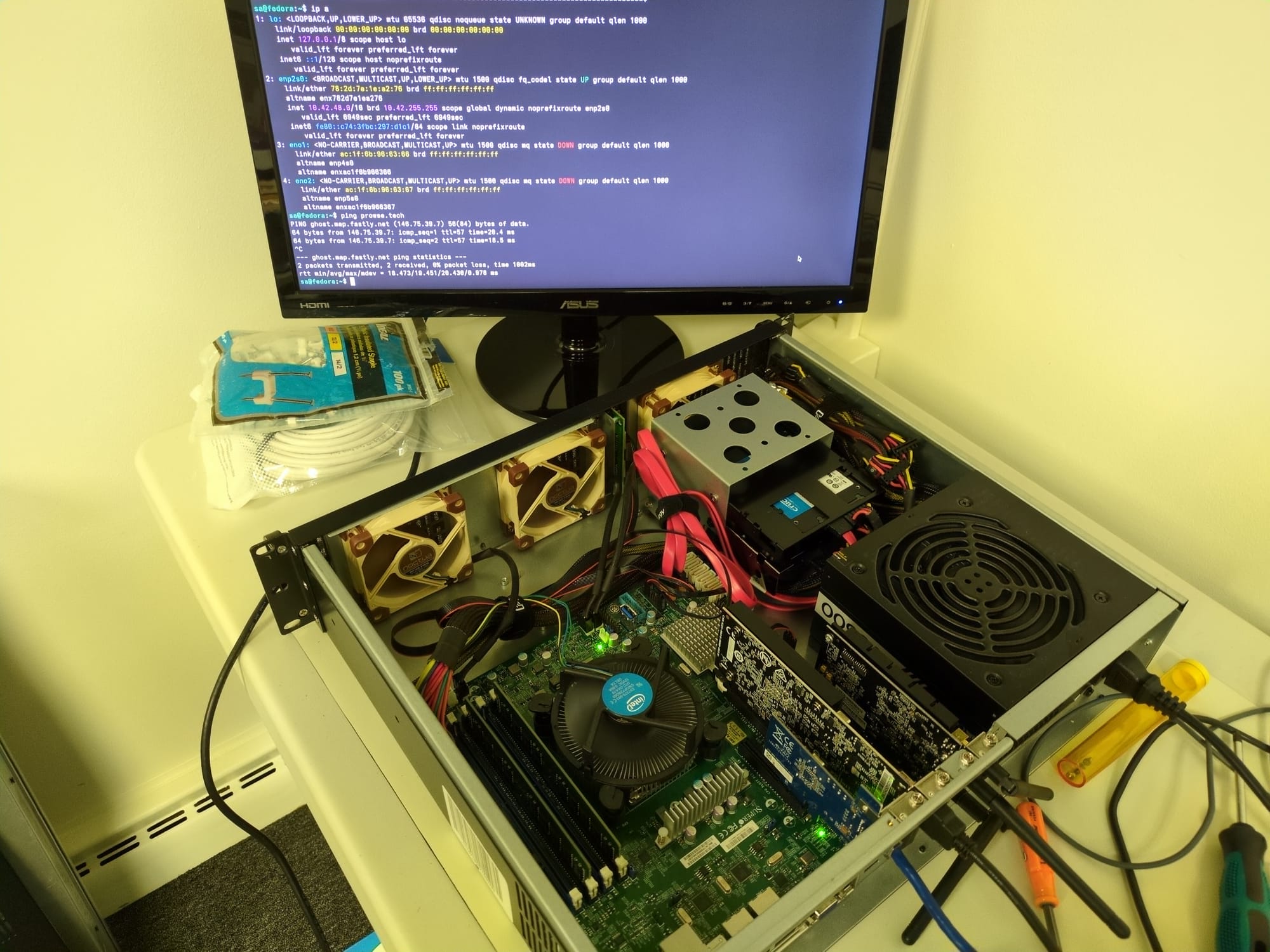
When I did so, I found that I couldn't use the GT 210 discrete GPU that I had installed to it originally because of UEFI-related issues in the newer BIOS. So I needed a x16 GPU that was low profile, with a fan, and can handle the newer UEFI programming. That led to grabbing a GT 1030. It worked. After remembering that the video setting has to be configured as PEG (deep in the BIOS settings), I was able to use the discrete card, instead of the built-in VGA connection.
Then I had to re-configure the storage for RAID, enter the Intel firmware (Ctrl+I) and setup RAID 1 (for two drives), and install Fedora! Then, install the non-free nvidia drivers (because nouveau was not up to the task for this card and system).
Here's the system in all its glory:
Kdenlive Failed to Open
I went to use Kdenlive and it wouldn't open. Simply wouldn't display anything. When I ran it from the command line, I saw the errors:
❯ flatpak run org.kde.kdenlive
qt.glx: qglx_findConfig: Failed to finding matching FBConfig for QSurfaceFormat(version 2.0, options QFlags<QSurfaceFormat::FormatOption>(), depthBufferSize -1, redBufferSize 1, greenBufferSize 1, blueBufferSize 1, alphaBufferSize -1, stencilBufferSize -1, samples -1, swapBehavior QSurfaceFormat::SingleBuffer, swapInterval 1, colorSpace QColorSpace(), profile  QSurfaceFormat::NoProfile)
qt.glx: qglx_findConfig: Failed to finding matching FBConfig for QSurfaceFormat(version 2.0, options QFlags<QSurfaceFormat::FormatOption>(), depthBufferSize -1, redBufferSize 1, greenBufferSize 1, blueBufferSize 1, alphaBufferSize -1, stencilBufferSize -1, samples -1, swapBehavior QSurfaceFormat::SingleBuffer, swapInterval 1, colorSpace QColorSpace(), profile  QSurfaceFormat::NoProfile)
Could not initialize GLX
Then I realized that I had updated Ubuntu (after finishing a project). Generally, Linux OS updates require an update to the installation mechanism for the program. In this case, I installed Kdenlive as a Flatpak but Flatpak was not updated properly. So, the following simple command was the solution!
flatpak update
In the past I have also needed to clear the cache. That can be done with:
rm -rf ~/.var/app/org.kde.kdenlive/cache/
flatpak run org.kde.kdenlive
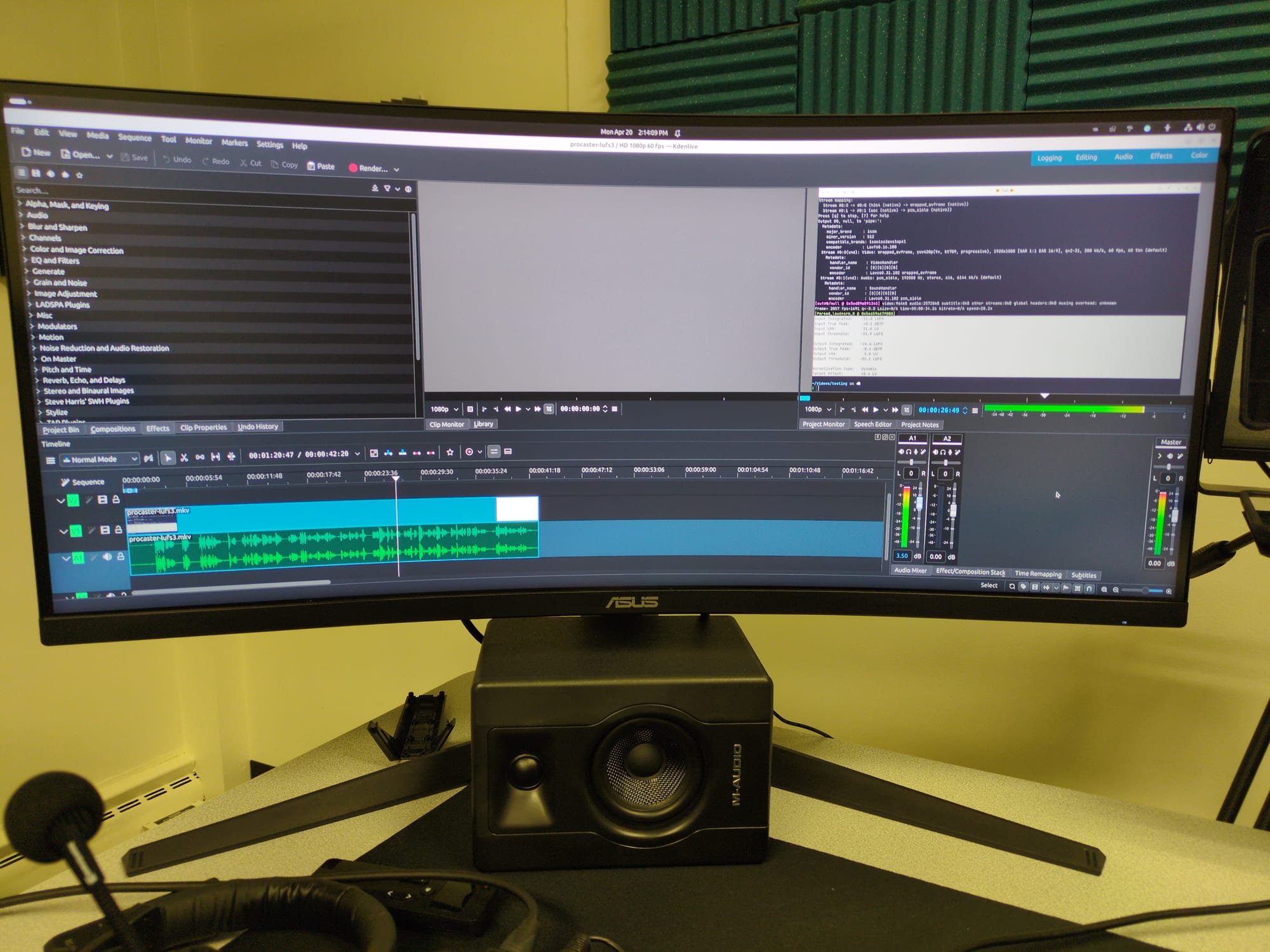
Now, Kdenlive is up and running again, this time on the 34" Asus curved monitor.