

Fedora 44 was officially released on April 28th, 2026. So, of course, I wanted to upgrade my test Fedora system to it. My need to geek out is uncontrollable. In this post I'll update the system to Workstation version 44, check if my GNOME extension works, and install KVM and Ansible. Let's go!
Summary of Fedora 44 Changes/Additions
- Fedora Workstation gets newer desktops:
- GNOME 50
- or, KDE Plasma 6.6
- Budgie 10.10 for a modern Wayland-based display stack.
- NTSYNC kernel module for improved gaming performance with Steam or Wine
- OpenSSL improvements (faster certificates)
- Nix package manager
- Ansible 13
The Upgrade
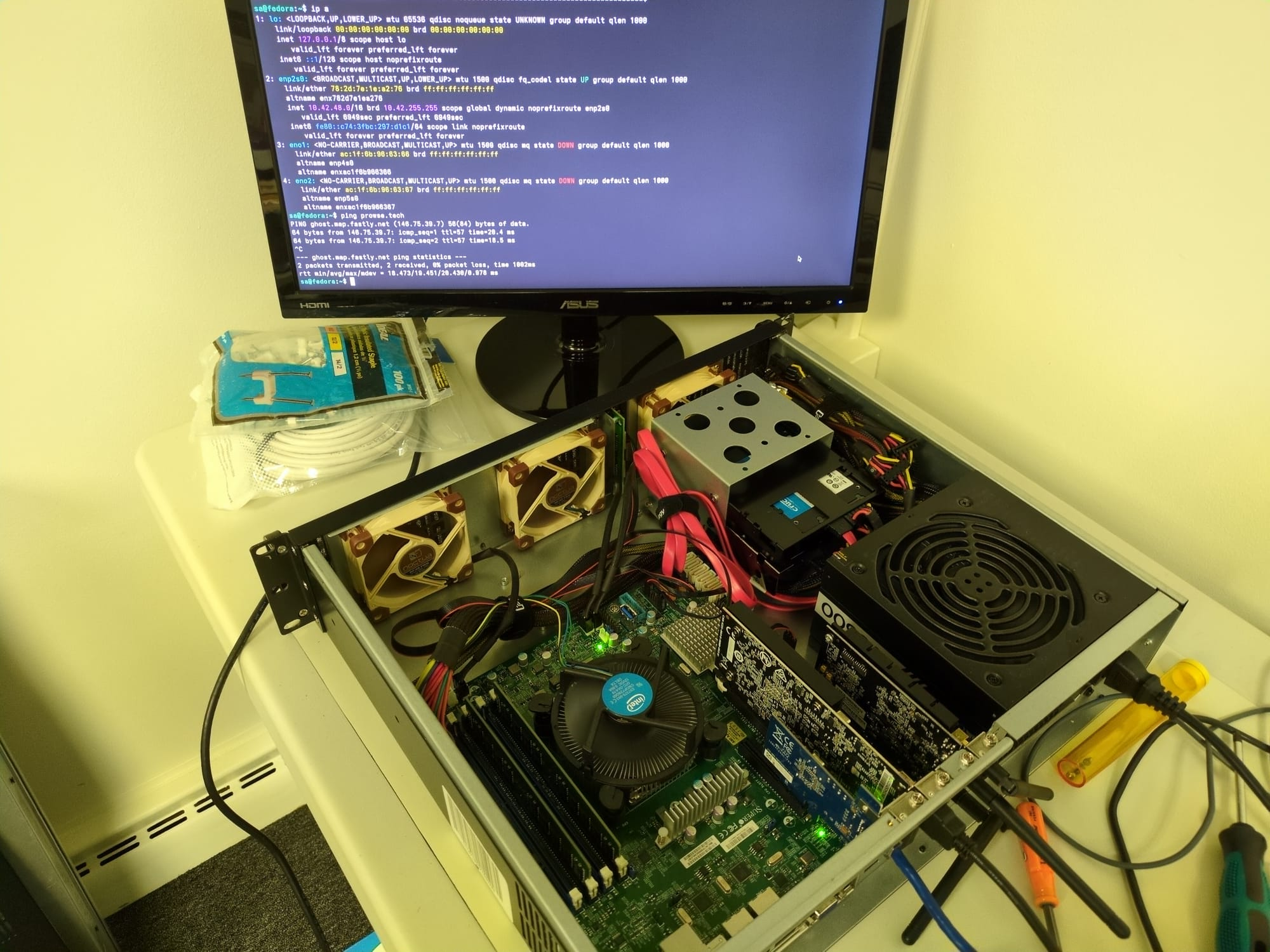
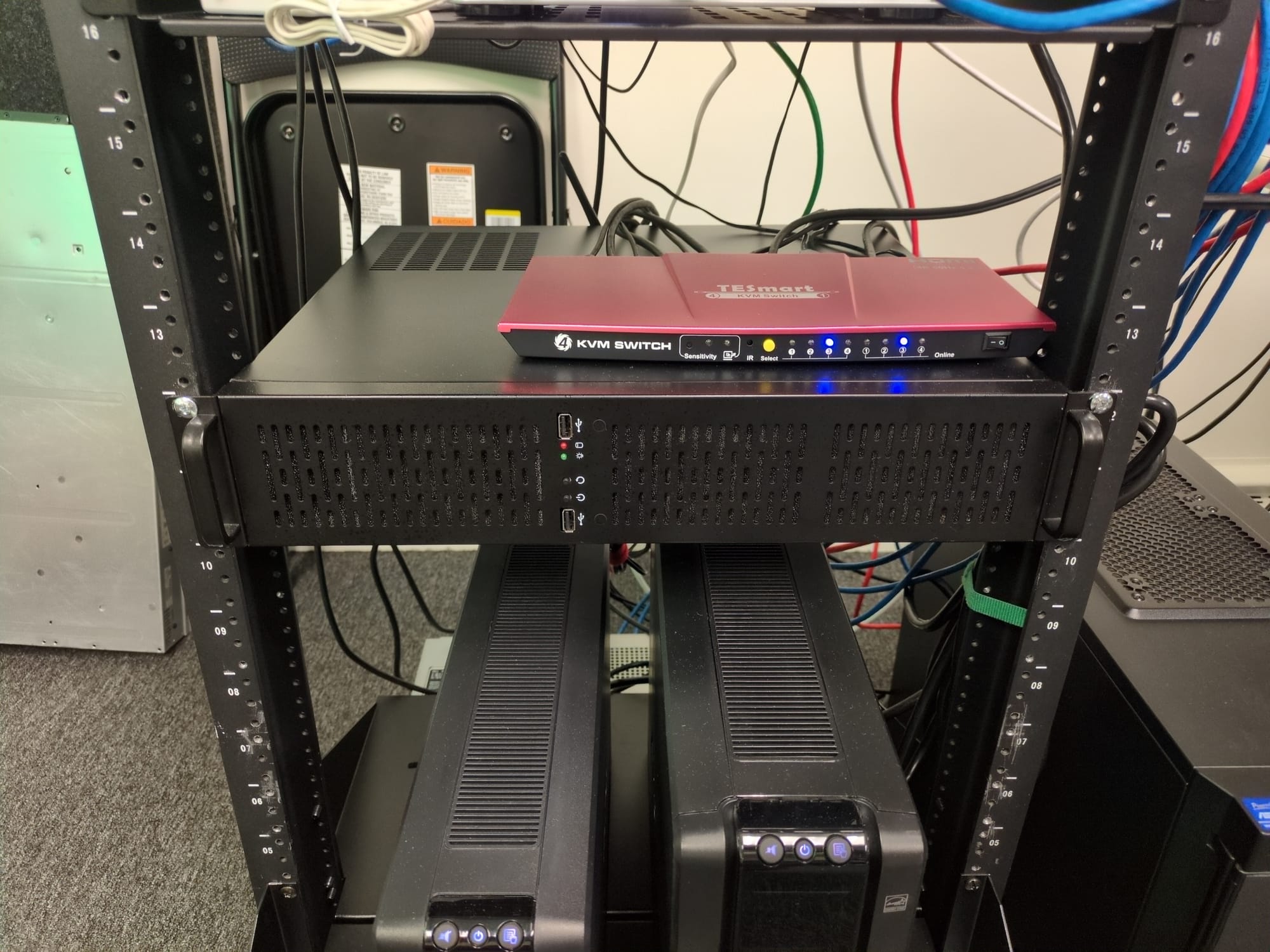
I'm doing this on my system named telemetry. It is a SuperMicro-based "server" that runs Fedora Workstation (with the GNOME desktop). You may remember this system from a previous post:
While we could do this upgrade in the GUI (on this system), we'll naturally have to do it in the command line! Because we can. 😀
First step, update Fedora 43 (after a backup):
sudo dnf upgrade --refreshand reboot. Then, download the Fedora 44 packages:
sudo dnf system-upgrade download --releasever=44
3 GB of downloads! Be prepared! Agree to the OpenPGP keys.
Then, when ready, trigger the upgrade offline:
sudo dnf5 offline rebootBe sure to do this at a good time—no thunderstorms, or projects due. It can be time consuming. Also, upgrades have a way of making "changes" to your system, that may affect you negatively. Be ready!
My system took 14 minutes to complete the upgrade and reboot. As it is a server, rebooting was fairly slow, your mileage will vary! When complete, it logged in no problem.
The Verification
You can run a cat /etc/fedora-release to verify the new version, or for more information, cat /etc/os-release.
Running a fastfetch showed the following:
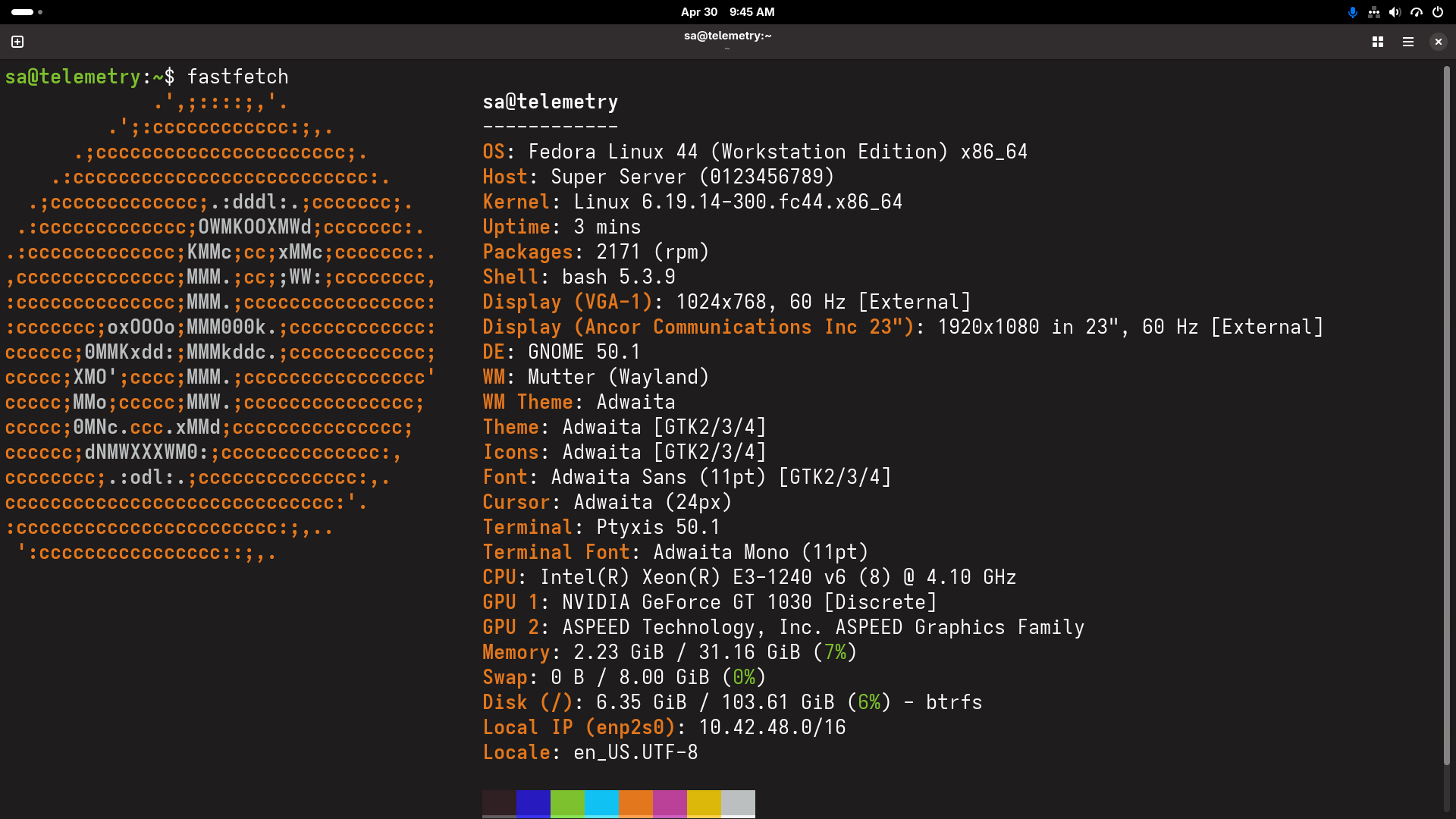
Fedora 44 up and running with GNOME version 50.1. GNOME was one of the main reasons to do the upgrade. I wanted to test my GNOME extension (Draw On Gnome) and make sure it works with GNOME 50.1. So I headed on over to the extension page and installed it, enabled it, and started drawing on the screen:
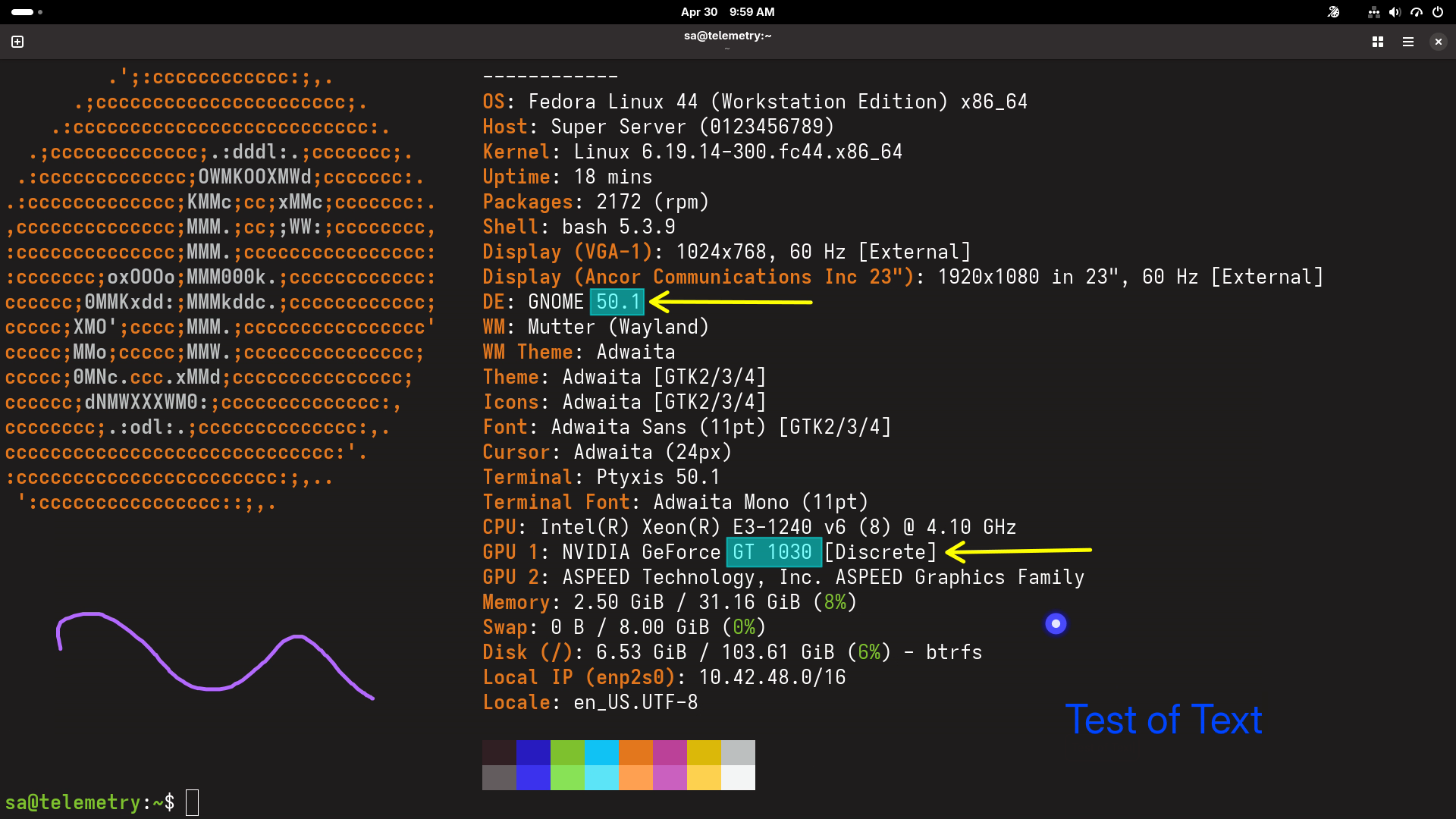
Apparently it works great. Up until this point I had only tested on Manjaro with GNOME 50.0. So that's good news.
I had also installed nomachine on this system so that I could control remotely from my main workstation (that was the main reason to install the GT1030 GPU). It works pretty well at 1080p 60 fps, but there is a weird color inversion going on. Probably just needs a reboot.
KVM and Ansible
I also wanted to do some testing with the KVM virtualization platform and the Ansible configuration management tool on this system. Let's install those now.
KVM
We'll start with KVM. This is one of the big reasons that I use Linux. It is such an awesome virtualization tool that I can't believe it. (pinch me!) The install is pretty easy on Fedora-based systems:
- Enable virtualization support in the BIOS and check it in the terminal:
grep -E --color '(vmx|svm)' /proc/cpuinfoIf you see vmx (Intel) or svm (AMD) flags then you are in business.
- Install the required packages:
sudo dnf install @virtualization
This installs everything you need including QEMU, KVM, libvirt, and virtual tools like virt-manager. Super awesome, and much easier than doing it on Debian/Ubuntu-based systems.
- Enable and start the
libvirtdservice. This is stopped and disabled by default (a good security precaution).
sudo systemctl --now enable libvirtdVerify that it is working with systemctl status libvirtd. You should see something similar to this:

- Grant user permissions for libvirt to yourself!
sudo usermod -aG libvirt $(whoami)
Be sure to log out and log back in.
You can check if your account is a member of libvirt with something like groups <username>.
- Verify that KVM is loaded:
lsmod | grep kvmYou should see either kvm_intel or kvm_amd results.
- Check versions of KVM and the
virshtool. For example:

- Run
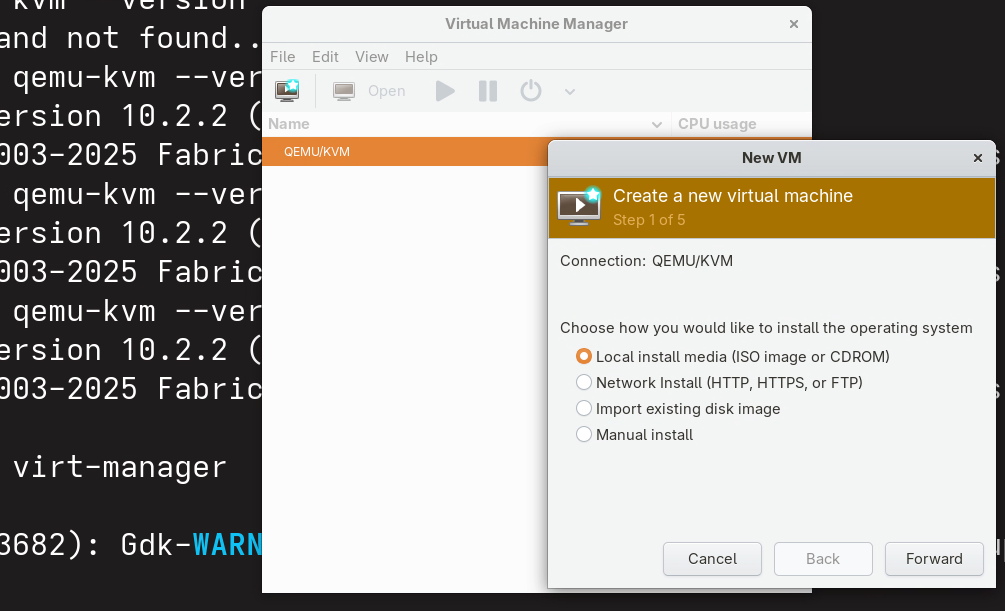
virt-managerto see if it all works! You should see something similar to this:
Ansible
Now let's install Ansible. I use this all the time for configuration management of remote hosts. This installation is also super-easy on Fedora. Just install it with:
dnf install ansibleYou could also use pip, but I suggest going with the DNF package manager.
Note: If you need a minimal install with just the essential CLI tools (such asansible-playbook) then just installansible-core.
Then, check the version: ansible --version to verify that it is installed. For example:

That's it! Now I can configure my Terraformed infrastructure to my heart's content.
Summary
Perfect! In this post, I upgraded the SuperMicro server to Fedora Workstation 44, taking advantage of GNOME 50.1. I also verified that my Draw On Gnome extension works properly. And I installed nomachine for remote control of the system. Plus I installed KVM and Ansible. I'm stoked to use this newly repaired and updated system for various testing. It's sitting pretty in the rack!
On to the next job!


